


Views: 0 Author: Site Editor Publish Time: 2026-01-28 Origin: Site


In today’s world, Wi-Fi security is more critical than ever. As cyber threats continue to evolve, a weak network can leave your personal and business data exposed. Have you considered upgrading to a router with WPA3 encryption?
In this article, we will explore why Wi-Fi security is essential and how WPA3 can protect your network. You’ll learn how to enable WPA3 on your router and whether it’s time to upgrade to a new device.
WPA3 (Wi-Fi Protected Access 3) is the latest security protocol for Wi-Fi networks, designed to replace WPA2. Introduced by the Wi-Fi Alliance in 2018, WPA3 provides advanced features to protect your network from growing security threats. It improves encryption methods, making it harder for attackers to intercept or crack passwords. WPA3 is particularly beneficial for home and business users looking to enhance their wireless security.
With WPA3, even if your password is weak, it’s much harder for hackers to exploit. This next-gen encryption standard also protects against offline attacks, ensuring that your data remains private, even if an attacker gains access to part of your network.
WPA3 offers significant improvements over WPA2. The most notable upgrade is the use of the Simultaneous Authentication of Equals (SAE) protocol, which makes WPA3 resistant to brute-force and dictionary attacks. Additionally, WPA3 introduces Forward Secrecy, ensuring that even if a password is compromised, past communications remain secure.
Feature | WPA2 | WPA3 |
Encryption Method | AES-CCMP | AES-GCM |
Protection Against Brute Force Attacks | Vulnerable | Resistant |
Forward Secrecy | No | Yes |
Password Guessing Method | Offline guessing allowed | Requires online guessing |
One of WPA3’s key advantages is its ability to defend against brute-force and dictionary attacks. These attacks involve repeatedly guessing a password until it’s found, a method that WPA2 allowed with relative ease. WPA3 stops this by requiring the attacker to interact with the network for every password guess. This makes it much more difficult for hackers to break into your network, especially if you’re using a relatively simple password.
WPA3 uses AES-GCM (Advanced Encryption Standard-Galois/Counter Mode), which provides stronger encryption than WPA2’s AES-CCMP. AES-GCM enhances security by ensuring that data cannot be intercepted or altered during transmission. This makes WPA3 ideal for protecting sensitive data, such as bank details, passwords, and personal communications.
By using a router with WPA3 encryption, you ensure that every device connected to your network benefits from this enhanced encryption, making your private data much harder to steal. Whether you're working from home or enjoying a Netflix marathon, WPA3 provides robust protection against eavesdropping and data breaches.
Public Wi-Fi networks, such as those in coffee shops or airports, are notoriously insecure. Attackers can easily intercept data sent over unsecured networks, making it a prime target for hackers. WPA3 addresses this with "Wi-Fi Enhanced Open," which encrypts even open, password-less networks.
This means that when you connect to a public Wi-Fi network, WPA3 ensures your data remains secure, preventing attackers from snooping on your communications. For users who frequently use public Wi-Fi, WPA3 is a game-changer in terms of safety and privacy.
Feature | WPA2 | WPA3 |
Protection Level | Standard | Enhanced |
Protection Against Eavesdropping | Limited | Robust protection |
Public Wi-Fi Security | No | Wi-Fi Enhanced Open |
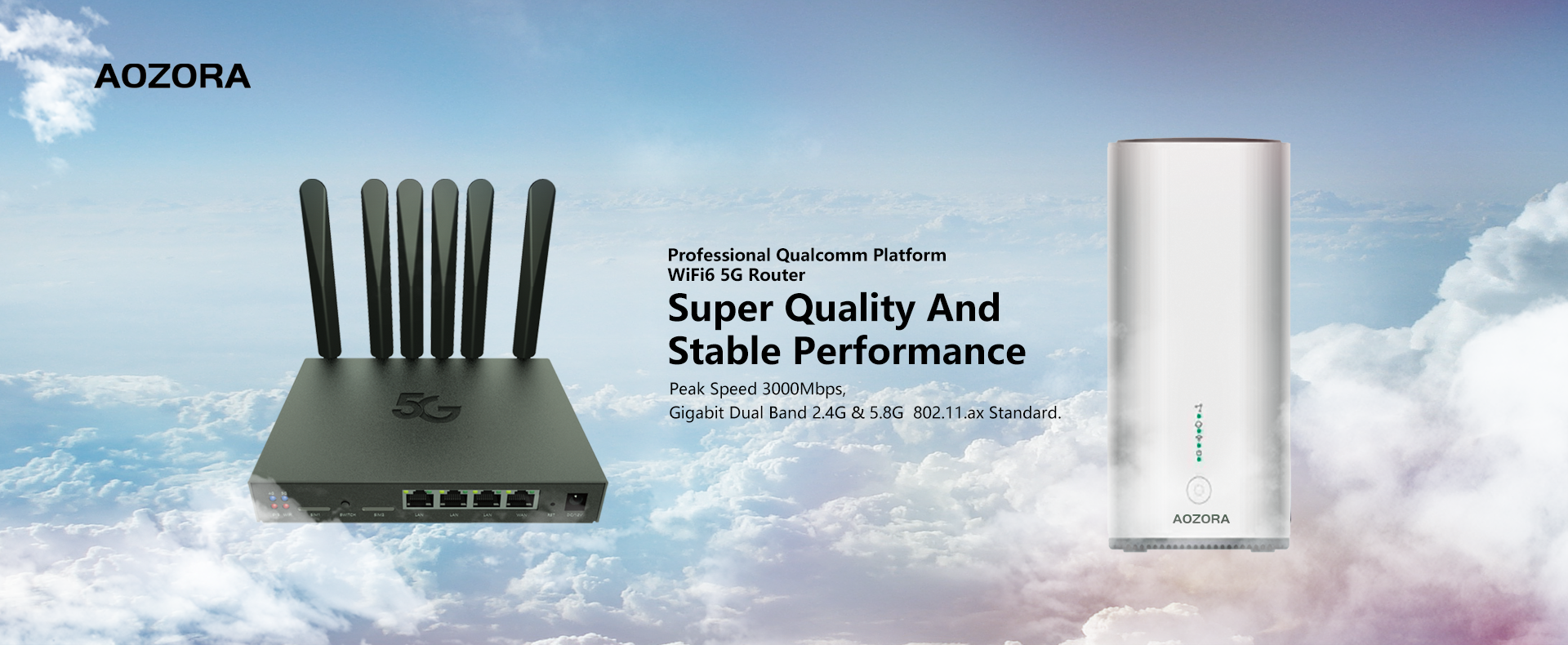
Before you can start using WPA3, you need to ensure your router supports it. To do this, log in to your router’s admin panel, usually by typing your router's IP address into your browser. From there, navigate to the "Security" or "Wi-Fi Settings" section to see if WPA3 is listed as an available option.
If your router is older and doesn’t support WPA3, it may be time to consider upgrading to a router with WPA3 encryption. New routers manufactured after 2020 are typically equipped with WPA3, ensuring your network is future-proof.
Once you confirm WPA3 support, go ahead and enable it in your router settings. Some routers allow you to switch between WPA3-only mode and WPA2/WPA3 mixed mode. If all your devices support WPA3, you can select WPA3-only mode for maximum security.
If you have older devices that don’t support WPA3, enable the WPA2/WPA3 mixed mode to allow both newer and older devices to connect securely.
Feature | Action |
Router Support | Check if your router supports WPA3 |
Encryption Mode | Enable WPA3-only or WPA2/WPA3 Mixed Mode |
Compatibility | Ensure your devices support WPA3 |
Upgrade Needed | Upgrade to a WPA3-compatible router if necessary |
If your router is several years old and doesn’t support WPA3, upgrading to a newer router is a wise decision. Not only will WPA3 provide enhanced security, but newer routers also tend to offer faster speeds, better range, and more reliable connections.
When considering an upgrade, look for a router that supports WPA3 and other features, such as MU-MIMO (Multi-User Multiple Input, Multiple Output) and OFDMA (Orthogonal Frequency Division Multiple Access), to ensure you're getting the most out of your Wi-Fi network.
When shopping for a new router with WPA3 encryption, look for these essential features:
● Wi-Fi 6 support for faster speeds and better handling of multiple devices.
● MU-MIMO and OFDMA to ensure efficient data distribution across your devices.
● High-security standards such as WPA3, built-in firewall protection, and automatic firmware updates.
These features will help you future-proof your network, providing not only stronger security but also improved overall performance.
For home users, WPA3 offers a significant boost to security. As more IoT (Internet of Things) devices enter our homes, WPA3 is essential in protecting everything from smart thermostats to refrigerators. With WPA3 encryption, these devices are much harder to hack, reducing the risk of unauthorized access to your home network.
For businesses, WPA3 offers even more robust encryption, especially with WPA3-Enterprise, which supports 192-bit encryption. This is especially useful for companies handling sensitive data, such as financial institutions or healthcare providers. WPA3 ensures that corporate networks are protected from both internal and external threats.
WPA3’s impact on public Wi-Fi hotspots is also significant. By encrypting open networks, it makes it much safer to access the internet in public spaces. This is essential for users who rely on public Wi-Fi but are concerned about security threats like man-in-the-middle attacks.
User Type | Benefit |
Home Networks | Protects IoT devices from unauthorized access |
Business Networks | Provides stronger encryption (192-bit) for sensitive data |
Public Wi-Fi Hotspots | Encrypts open networks, protecting users from man-in-the-middle attacks |
As technology continues to advance, WPA3 will evolve to meet new challenges. While WPA3 is a huge leap forward in Wi-Fi security, future versions may bring even stronger encryption, faster speeds, and more security features to counter emerging threats.
As the number of smart home devices grows, WPA3 will play an essential role in protecting these devices. With the increasing connectivity of everyday objects, WPA3 will ensure that your smart home remains secure from cyber threats.
If you’re looking to secure your home or business network, WPA3 is the best choice. It offers stronger encryption and better protection against attacks. For users with new devices, WPA3-only mode provides the highest level of security. To enhance your network’s protection, check your router settings or consider upgrading to a router with WPA3 encryption. Aozora Wireless offers top-of-the-line routers with WPA3 encryption, ensuring your devices and personal data remain secure with the latest encryption standards.
A: WPA3 is the latest Wi-Fi security protocol that provides stronger encryption and better protection against attacks. Using a router with WPA3 encryption enhances your network's security, especially as more IoT devices connect to your home or business network.
A: To enable WPA3, log into your router’s admin settings and navigate to the security section. If your router supports WPA3, you can enable WPA3-only mode or select WPA2/WPA3 mixed mode for compatibility with older devices.
A: If your current router doesn't support WPA3, you will need to upgrade to a router with WPA3 encryption. Many routers made after 2020 come with WPA3 support, ensuring your network is up-to-date.
A: Yes, WPA3 provides stronger encryption and protects your network from unauthorized access and data breaches. It’s essential for securing personal data, especially with smart devices connected to your network.
A: WPA3 is a significant improvement over WPA2, offering better encryption, protection against brute-force attacks, and enhanced security features like Forward Secrecy, which WPA2 doesn’t have.
A: Yes, WPA3 supports backward compatibility. If your devices don't support WPA3, you can enable WPA2/WPA3 mixed mode on your router with WPA3 encryption to ensure both old and new devices can connect securely.


