

Views: 0 Author: Site Editor Publish Time: 2026-06-22 Origin: Site


Businesses face a constant hardware dilemma today. They must balance upfront procurement costs against the hidden operational impacts of device failure. Digital transformation pushes screens into every corner of modern business. We see digital workflows in warehouses, delivery trucks, and manufacturing floors. This shift creates a massive hardware challenge.
Modern standard devices offer incredible speed, beautiful displays, and robust app ecosystems. However, extreme work environments quickly expose their internal hardware vulnerabilities. A simple drop onto concrete can instantly destroy consumer-grade electronics. This sudden failure brings critical operations to a complete halt.
This guide provides a direct framework for IT and operations leaders. We will help you determine the exact breaking point where consumer-grade devices no longer make financial sense. You will learn how to evaluate hardware durability, software lifecycles, and actual field performance. We focus strictly on the tangible impacts of downtime. By the end, you will know exactly how to match the right hardware form factor to your specific operational environment.
Standard smart tablets offer immediate cost savings and a superior out-of-the-box user experience, ideal for controlled indoor environments.
Rugged tablets dramatically lower overall operational costs over a 3-to-5-year lifecycle in field service, warehousing, and manufacturing.
Wrapping a standard tablet in a rugged case is a viable middle-ground but fails to protect against extreme temperatures, prolonged vibration, and port damage.
Device selection should be driven by the hard cost of worker downtime, not just the hardware invoice.
Let us define the actual differences between consumer and purpose-built hardware. People often confuse a sturdy case for true industrial engineering. We must clarify these physical boundaries before buying anything.
Manufacturers design the average smart tablet for mass consumer appeal. It features a slim profile, thin capacitive glass, and access to broad app ecosystems. Engineers build an Android smart tablet or similar consumer device primarily for indoor use. They thrive in climate-controlled environments. Gentle transit inside padded bags suits them perfectly. They prioritize aesthetics and thinness. Manufacturers often glue the batteries inside to shave off millimeters. They do not survive repeated drops well.
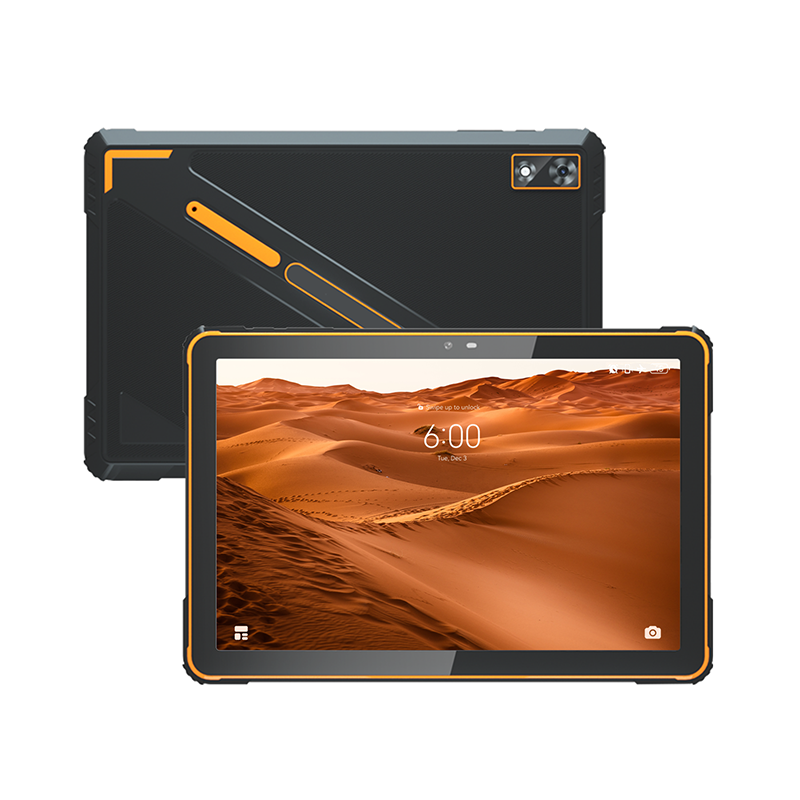
Industrial manufacturers build their devices entirely differently. They engineer the machine from the motherboard up. They use industrial-grade components designed to withstand repeated kinetic shock. Engineers bolt thick rubber bumpers directly onto the internal frame. They seal every seam using waterproof gaskets. These machines pass rigorous military standard drop tests. The MIL-STD-810G/H testing protocol requires the device to survive dozens of drops onto plywood over concrete. They carry strict ingress protection ratings, usually IP65 or higher. Water, fine dust, and extreme operational temperatures do not stop them.
Many IT departments try a common workaround to save money. They buy consumer hardware and put it inside a heavy-duty case. This seems like a smart middle-ground solution initially. Real-world implementation tells a completely different story. Thick cases do not prevent internal component shock. When you drop the device, the motherboard still absorbs the kinetic energy. Furthermore, rubber cases trap ambient heat. This causes severe thermal throttling during intensive tasks. Finally, cases leave charging ports highly vulnerable. Debris and moisture easily enter the open charging ports, causing electrical shorts.
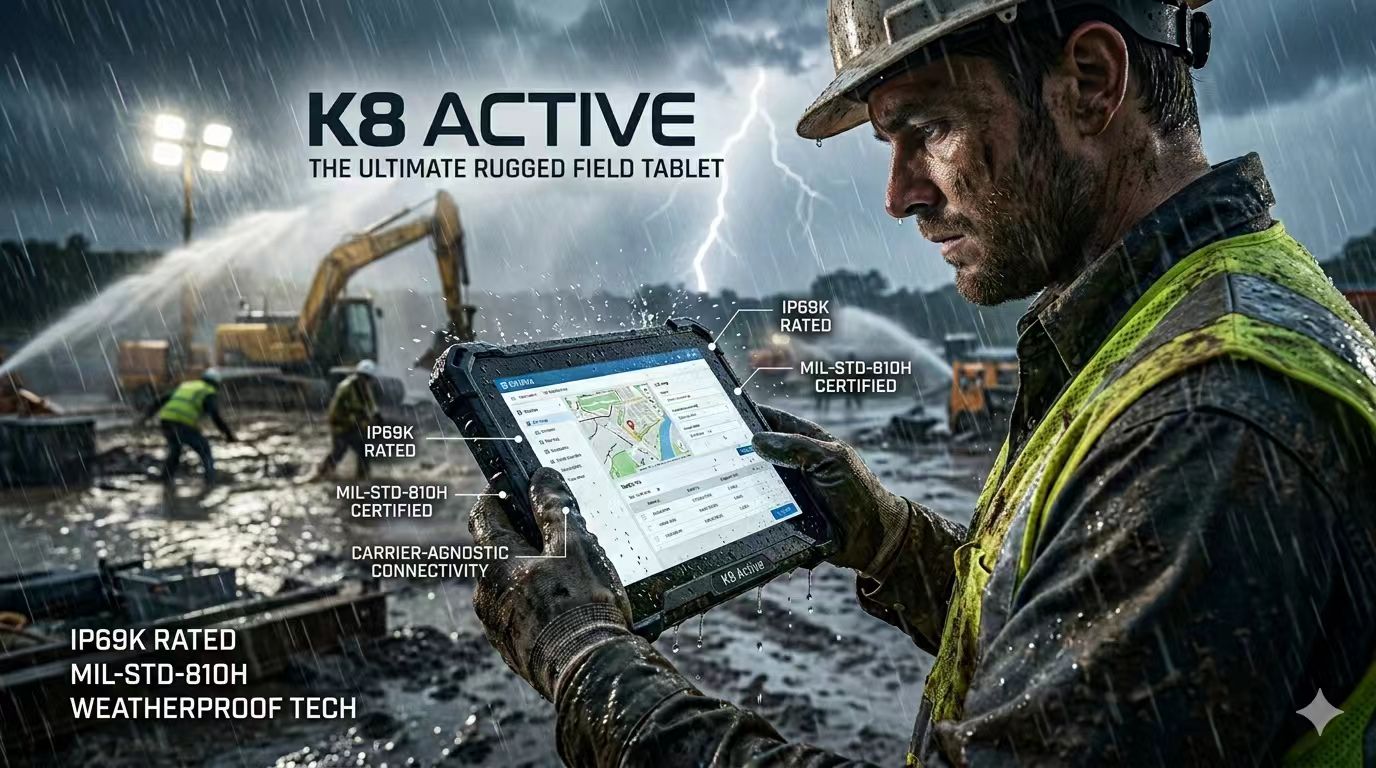
Hardware invoices rarely tell the whole story. You must look far beyond the initial purchase order. The cheapest device on paper often becomes the most expensive device in the field.
A standard consumer device usually costs between $300 and $800. A true purpose-built alternative often starts well above $1,200. At first glance, consumer devices look much cheaper. This initial saving evaporates quickly in harsh environments. Consumer devices break frequently on the factory floor. You end up buying replacements every 12 to 18 months. Over three years, you purchase three consumer devices for every one industrial device.
Device failure triggers a cascade of exponential hidden costs. Think about a shattered screen in the field. You do not just pay for a new screen. You pay express shipping costs to return the broken unit. IT administrators spend valuable time provisioning the replacement device. They must reconfigure security settings, enroll the device, and download company applications. These administrative hours add up rapidly. A single break can cost hundreds of dollars in IT labor alone.
You must frame your ultimate evaluation metric around human productivity. Imagine a field service technician repairing a remote cell tower. They drop their consumer device, and the glass shatters. They cannot access digital schematics or log their repair hours. They must drive two hours back to the depot. The company loses an entire day of billable labor. The IT department then spends two hours provisioning a new device. The original hardware cost was only $400. The operational loss easily exceeds $1,500 for that single incident. Calculate the lost revenue from downtime. Compare that lost productivity against the price difference of a stronger device. The industrial option usually pays for itself after a single prevented failure incident.
You must evaluate specific physical traits before buying any hardware fleet. Do not rely solely on marketing brochures. Look at these four fundamental dimensions closely.
Durability and Environmental Resistance: Contrast standard consumer glass against chemically reinforced displays. Standard glass scratches and shatters easily under stress. Reinforced screens survive face-down drops. Look at IP ratings realistically. An IP54 rating handles occasional light splashes. It fails completely during high-pressure washdowns. Fine warehouse dust requires an IP65 rating to protect internal cooling fans. Consider screen brightness as well. Consumer screens output around 400 nits and become unreadable under direct sunlight. Industrial screens push 1000 nits for outdoor clarity.
Form Factor and Ergonomics: You face a strict trade-off between user fatigue and durability. Heavy armor adds significant weight to the chassis. Explain your shift requirements clearly to your vendor. A lightweight tablet is strictly necessary for continuous handheld shift work. Heavy devices cause severe wrist fatigue over an eight-hour shift. If workers refuse to carry a heavy device, your investment fails. Conversely, you need a heavier, vehicle-mounted device for forklifts. Ergonomics dictate daily user adoption.
Connectivity and Peripherals: Outdoor reliability requires specialized communication hardware. A dedicated 4G LTE tablet prevents signal drops in remote areas. Industrial hardware uses commercial-grade antennas. Consumer Wi-Fi and cellular chips drop connections frequently inside metal warehouses. Pay attention to integrated peripherals. Native laser barcode scanners read damaged labels instantly. They feature dedicated physical scan buttons. Bluetooth camera scanning requires the user to aim carefully, tap the glass, and wait for auto-focus. This wastes valuable seconds on every scan.
Power Management: Standard sealed batteries degrade quickly. After one or two years, they lose their charge rapidly. You usually have to replace the entire consumer device when the internal battery dies. Rugged ecosystems utilize hot-swappable battery systems. Workers can swap a dying battery for a fresh one without powering down the machine. This continuous power supports 24/7 shift operations seamlessly.
Physical toughness only solves half the problem. IT teams must manage, secure, and update these fleets remotely. Software evaluation is just as critical as hardware evaluation.
Both device categories integrate into standard UEM and MDM platforms. You can connect them to VMware, SOTI, or Microsoft Intune. However, industrial devices often provide deeper API access. Administrators can track device locations using precise GPS. They can wipe data remotely if someone steals the machine. IT teams can push mandatory updates more reliably. They can monitor battery health proactively across the entire fleet.
Consumer devices pose a critical operational risk regarding their lifecycle. Manufacturers change hardware and operating systems constantly. Consumer cycles usually refresh every 12 months. This makes long-term fleet standardization impossible. You might buy the same consumer model six months later, but it contains a different Wi-Fi chip. Your custom enterprise application suddenly crashes. You end up managing five different device versions within three years. Each version requires unique cases, chargers, and software testing. Industrial manufacturers operate differently. They lock their bill of materials. They guarantee identical hardware configurations for three to five years. You receive the exact same internal chips for years.
Enterprise security remains strictly non-negotiable. Evaluate the availability of enterprise-level lockdown features. IT teams need strict kiosk modes. Kiosk mode prevents workers from downloading unauthorized applications. It restricts web browsing to approved sites only. Consumer devices often abandon security patch support after two years. Industrial manufacturers provide extended security patch support well into the future. They ensure your data stays protected against emerging threats.
You need clear criteria to make the final choice. The right device depends entirely on the deployment environment. Many companies successfully deploy a mixed fleet. They give standard devices to their office managers. They issue rugged devices to the forklift operators driving on the floor. This hybrid approach optimizes your hardware budget perfectly.
| Environment Type | Recommended Device Type | Key Environmental Factors |
|---|---|---|
| Retail Point-of-Sale (POS) | Consumer-Grade | Controlled indoor climate, constant charger access, minimal drop risk. |
| Hospitality & Light Logistics | Consumer-Grade | Carpeted floors, gentle handling, focus on aesthetics and thin profiles. |
| Warehouse & Forklift Mounting | Purpose-Built Rugged | Concrete floors, continuous vehicle vibration, severe dust exposure. |
| Outdoor Utilities & Field Service | Purpose-Built Rugged | Rain, extreme sunlight, fluctuating temperatures, remote cellular needs. |
Choose standard hardware for retail point-of-sale applications. They work beautifully for hospital charting and indoor manager audits. Hospitality settings benefit from their sleek designs. Use them in light logistics where the drop risk remains incredibly low. In these controlled environments, chargers remain universally accessible. The lack of environmental threats makes standard devices perfectly adequate.
Choose industrial hardware for forklift and fleet vehicle mounting. Consumer devices cannot survive constant engine vibration. Select them for outdoor utilities, heavy manufacturing, and cold storage. Freezers destroy consumer batteries in minutes. Specify industrial hardware for any environment where device failure poses a safety hazard. If a broken screen stops your entire production line, you need true rugged reliability.
We can summarize this evaluation framework easily. Start by thoroughly assessing your physical working environment. Document the temperature ranges, drop risks, and shift lengths. Next, calculate the exact financial cost of one hour of operational downtime. Figure out your lost revenue. Finally, choose the hardware explicitly designed to protect that bottom line.
Do not make a massive purchase blindly. We strongly recommend a pilot phase first. Procure a small batch of both consumer and industrial options. Deploy them in the actual working environment for 30 days. Let the workers use them normally. Measure direct user feedback regarding weight and ergonomics. Track battery survival rates across full shifts. Monitor your IT support tickets closely. Gather this real-world data before executing a full fleet rollout.
A: No. A heavy-duty case offers surface-level protection but fails internally. Cases trap heat, causing severe thermal throttling during heavy use. They lack internal shock-mounting for the motherboard. When dropped, the kinetic energy still impacts the internal circuits. Furthermore, cases rarely seal the charging ports, leaving them exposed to water and debris.
A: Standard consumer devices typically survive 12 to 18 months in harsh industrial environments before suffering fatal damage. In contrast, purpose-built industrial devices boast a reliable 4-to-6-year enterprise lifecycle. Their reinforced components and extended manufacturer support allow them to function continuously without requiring frequent fleet replacements.
A: Yes. They run standard enterprise versions of Windows or Android. This ensures full compatibility with your existing enterprise applications, mobile device management platforms, and security protocols. You do not need specialized or proprietary software to operate them within your current IT infrastructure.


