


Views: 0 Author: Site Editor Publish Time: 2026-06-01 Origin: Site


Smartphones offer incredible portability for field workers. However, they lack the necessary screen real estate for complex tasks like reading schematics or completing detailed forms. Laptops provide immense computing power. Yet, they remain highly impractical for active, on-the-go environments where operators work on their feet. Field teams constantly face this operational gap between portability and productivity.
Smart Tablets solve this exact problem. You should not view them merely as consumer media devices. Instead, they serve as enterprise-grade operational tools. They digitize complex field workflows. They drastically reduce data entry latency. They also centralize team communications into one durable interface.
Successful mobile deployments rely entirely on one factor. You must match the right hardware specifications to your specific operational bottlenecks. In this guide, we will explore core applications, crucial hardware choices, and proven deployment strategies. You will learn exactly how to build a reliable mobile fleet.
Smart tablets bridge the gap between office-based planning and field-based execution by enabling real-time data access at the point of work.
Industrial and mobile work applications demand specific hardware baselines, particularly uninterrupted connectivity (e.g., a 4G LTE smart tablet) and stable processing architecture.
Total Cost of Ownership (TCO) for a tablet fleet is dictated less by the upfront hardware cost and more by Mobile Device Management (MDM) compatibility, ruggedization, and lifecycle support.
Successful rollout requires mitigating user adoption friction and planning for environmental constraints (glare, extreme temperatures, battery drain).
Legacy hardware solutions frequently fail deskless workers. We must examine why these traditional setups cause operational friction.
Laptops demand a static surface. You must sit down to use them effectively. Boot-up times often waste valuable minutes during a busy shift. Smartphones present a different challenge. They fit in your pocket easily. However, their small screens lead to high error rates. Workers struggle to navigate complex digital forms. Viewing detailed architectural schematics on a six-inch display frustrates even the most patient technicians.
A purpose-built portable work tablet eliminates this compromise entirely. It provides the necessary screen size for specialized enterprise applications. You can easily view 3D CAD models. You can navigate intricate inventory management dashboards. You can update Customer Relationship Management (CRM) tools effortlessly. Furthermore, tablets maintain a slim profile. You can operate them with one hand while inspecting equipment with the other.
How do we measure a successful hardware deployment? A proper rollout transforms daily operations. You should track specific performance indicators.
Reduced Error Rates: Digital forms eliminate handwriting interpretation errors.
Faster Closures: Technicians close work orders immediately upon job completion.
Real-Time Visibility: Managers see inventory updates the moment a worker scans an item.
Enterprise tablets drive efficiency across multiple industries. They adapt seamlessly to diverse operational environments.
Field technicians encounter complex repairs daily. They need immediate access to heavy manuals and intricate blueprints. Walking back to a service vehicle to retrieve a physical binder wastes time. Tablets solve this. Workers pull up digital manuals directly on-site. They also receive dynamic routing schedules. This keeps them moving efficiently from one job to the next.
Supply chains depend on speed and accuracy. Warehouse workers use tablet-attached peripherals for rapid barcode scanning. Delivery drivers rely on them for digital signature capture. Dispatchers use real-time GPS data to redirect fleets dynamically. The tablet acts as a central command node for moving assets.
Factory floors present harsh conditions. Traditionally, quality assurance teams relied on paper clipboards. Today, they use digital auditing tools. Workers complete compliance checklists directly on the factory floor. They snap photos of defective parts using built-in cameras. They upload these audits to central servers instantly.
Customer interactions benefit greatly from digital mobility. Retail staff use tablets for Mobile Point of Sale (mPOS) transactions. They check out customers anywhere in the store. Healthcare professionals use them for secure patient intake. Field sales representatives utilize large screens to deliver dynamic, visual presentations.
| Industry | Traditional Method | Tablet-Driven Workflow | Primary Benefit |
|---|---|---|---|
| Field Service | Paper manuals in trucks | On-site digital schematics | Zero transit time per job |
| Logistics | Manual clipboards | Barcode scanning & GPS | Real-time tracking accuracy |
| Manufacturing | Paper QA checklists | Digital factory audits | Immediate data availability |
| Retail / Sales | Fixed cash registers | Mobile POS systems | Reduced checkout lines |
Consumer devices look sleek, but they often fail in commercial settings. You must evaluate specific hardware capabilities before purchasing a fleet.
Field teams frequently enter remote areas. Relying on public Wi-Fi hotspots creates a massive failure point. Connections drop constantly. Security risks increase. A dedicated 4G LTE smart tablet is absolutely crucial for mobile teams. It guarantees uninterrupted cloud syncing. It keeps precise GPS tracking active regardless of location. Your workers remain connected securely without searching for local networks.
Heavy enterprise applications demand optimized chipsets. Standard processors struggle with large databases or 3D models. A Qualcomm smart tablet provides the perfect balance. It delivers immense processing power for demanding software. More importantly, it maintains thermal efficiency. The device stays cool during continuous operation. This optimized architecture ensures the battery easily lasts through an entire twelve-hour shift.
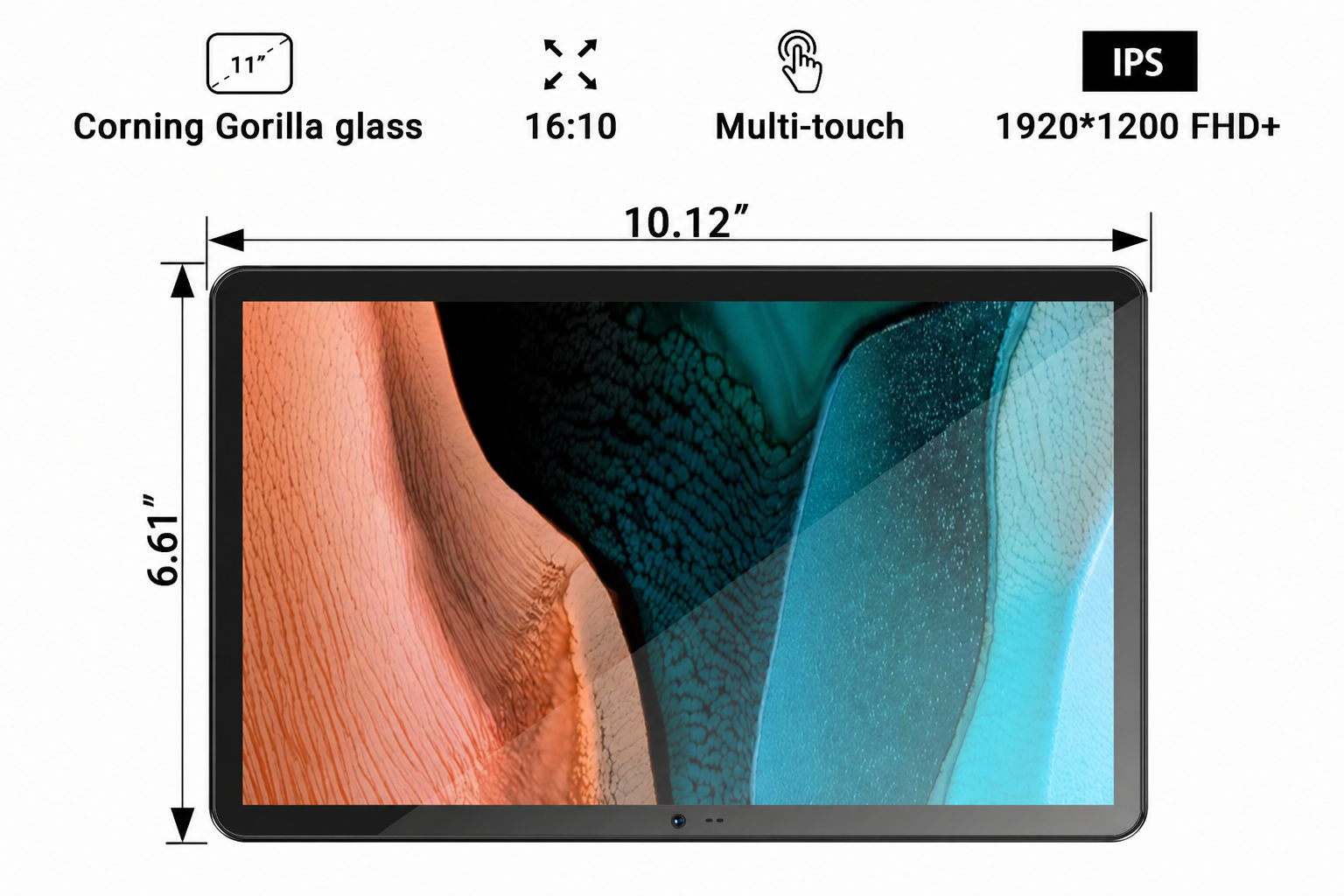
You must differentiate between consumer-grade fragility and true business requirements. A dropped consumer device shatters. A delayed shift follows. Evaluate hardware based on strict survivability criteria.
Ingress Protection (IP Ratings): Look for IP65 or IP68 ratings. They certify that the device blocks fine dust and withstands water exposure.
Drop-Test Certifications: Ensure the device survives multiple drops onto concrete from at least four feet.
Sunlight-Readable Displays: Outdoor work requires ultra-bright screens. Aim for displays offering 800 nits of brightness or higher.
Excellent hardware means nothing without proper management. You must plan for security protocols and human factors to ensure a smooth rollout.
Managing hundreds of devices manually wastes IT resources. You need Mobile Device Management (MDM) or Enterprise Mobility Management (EMM) software. These platforms allow zero-touch enrollment. IT teams configure devices over the air before they reach the user. If a worker loses a device, administrators can execute a remote wipe instantly. This permanently protects proprietary company data.
Data breaches destroy reputations. Enterprise tablets must support hardware-level encryption. This secures data resting on the device. Furthermore, they must support secure VPN tunneling. This protects data moving across cellular networks. Strict regulatory realities, such as HIPAA in healthcare or SOC2 in tech, demand these non-negotiable security layers.
You must transparently address common deployment failure points. Ignored physical constraints ruin user adoption.
Temperature Extremes: Freezing environments degrade lithium-ion batteries rapidly. Hot-swappable batteries prevent unexpected shutdowns.
Screen Sensitivity: Workers wearing safety gloves cannot operate standard capacitive touchscreens. Deploy devices with specialized glove-mode digitizers or robust styluses.
Employee Resistance: Staff often dislike new tracking technologies. They fear micromanagement. We recommend clearly explaining how the devices make their specific tasks easier and safer.
Procuring a fleet requires strategic testing. Do not rush into a massive purchase without validating the hardware against your daily workflow.
Always let the physical workspace dictate the hardware. Rule out standard consumer tablets immediately if your primary use case involves heavy industrial areas. Rain, dirt, and heavy machinery require ruggedized enclosures. Conversely, sleek, lightweight models work perfectly for indoor healthcare settings.
We strongly recommend starting with a small-scale pilot program. Never deploy five hundred units on day one.
Select 10 to 20 devices.
Assign them to a highly tech-savvy crew.
Target one specific, measurable workflow (like inventory intake).
Gather honest feedback after four weeks.
This localized testing reveals software bugs and hardware limitations before they impact the entire company.
You must look beyond the initial sticker price. Evaluate the holistic financial impact of your deployment over time. Consider a comprehensive framework. Combine the initial hardware price with ongoing cellular data plans. Add your yearly MDM software licensing fees. Factor in the cost of necessary rugged accessories, like mounting brackets and protective cases. Finally, map out the expected replacement cycle. Purpose-built hardware lasts much longer, saving you significant capital over a five-year period.
Smart tablets stand as purpose-built tools driving digital transformation. They bridge the critical gap between office administrators and frontline workers. They eliminate paper trails, accelerate data syncing, and withstand harsh environments.
Your ultimate hardware selection must follow your exact workflow requirements. Never force a consumer device into an industrial process just to save on upfront costs. Prioritize connectivity, battery optimization, and rugged durability.
Take action today. Audit your current field data-entry bottlenecks. Identify where paper processes slow your team down. Contact a hardware specialist to map out a targeted pilot program and elevate your mobile workforce.
A: Yes, for execution and data-entry tasks. Tablets excel at displaying schematics, capturing signatures, and filling out compliance forms. However, heavy content creation or complex software coding still favors traditional laptops. The primary goal is workflow optimization and mobility, not absolute replacement of desktop-class machines.
A: Tethering a tablet to a smartphone drains the phone's battery extremely rapidly. It also introduces significant connectivity latency. Native LTE ensures the tablet acts as a standalone, secure node in your network. It guarantees uninterrupted syncing without relying on a secondary, easily depleted device.
A: Standard consumer devices may only last one to two years under heavy field use. Their screens crack, and their batteries degrade quickly. Conversely, purpose-built or properly ruggedized enterprise tablets typically see a robust lifecycle of three to five years, significantly lowering long-term replacement expenses.


