


Views: 0 Author: Site Editor Publish Time: 2026-06-08 Origin: Site


In demanding industrial environments, a shattered screen or a failed motherboard brings operations to a grinding halt. When a device breaks on the warehouse floor, the true penalty is rarely just the hardware replacement. It triggers sudden operational downtime, unrecoverable data, and paralyzed workflows. IT buyers and operations managers frequently face a critical crossroads. They must choose between outfitting standard commercial devices in aftermarket protective cases or deploying purpose-built industrial hardware. This single decision heavily dictates shift productivity and ongoing IT management overhead. This article strips away marketing buzzwords to reveal the verifiable engineering standards defining true durability. You will learn how to evaluate internal ruggedization, understand essential connectivity features, and navigate deployment realities. Ultimately, we will show you exactly what justifies deploying specialized enterprise hardware to keep your critical operations running seamlessly.
Beyond the outer shell: True ruggedization requires internal shock-mounting and fanless thermal management, not just a thick external bumper.
TCO favors purpose-built tech: Consumer tablets fail faster in harsh environments; industrial devices offer 3–5 year lifecycles with guaranteed parts availability.
Workflow-critical specs: Features like hot-swappable batteries, dedicated barcode scanners, and sunlight-readable displays prevent shift interruptions.
Enterprise IT control: An industrial Android tablet or Windows equivalent must support robust Mobile Device Management (MDM) and reliable Wi-Fi roaming across sprawling facilities.
Many organizations attempt to ruggedize commercial tablets by wrapping them in thick silicone cases. This approach creates a dangerous illusion of durability. Aftermarket cases only protect against superficial drops and minor scratches. They completely fail to address extreme temperature fluctuations. Thick rubber actually traps processor heat inside the device. This trapped heat causes severe thermal throttling, forcing applications to freeze during critical tasks. Furthermore, external cases offer zero protection against internal vibration damage. Continuous rattling from a forklift steering column will eventually micro-fracture a standard commercial motherboard. Port degradation also happens rapidly. Workers constantly plug and unplug standard USB cables in dusty environments, wearing out consumer-grade charging ports within months.
Deploying fragile devices introduces massive hidden administrative burdens. Consumer tech experiences notoriously high failure rates in manufacturing or field settings. Every broken screen means a worker stands idle. Additionally, consumer operating systems force automatic system updates. These sudden updates frequently break proprietary warehouse management software or legacy logistics applications. IT staff must then scramble to roll back software versions. They constantly re-enroll new replacement devices into the network. They spend endless hours troubleshooting compatibility issues rather than improving infrastructure. This cycle creates an unsustainable workload for enterprise IT teams.
Choosing an industrial rugged tablet fundamentally shifts operational reliability. Purpose-built hardware ensures significantly fewer replacement cycles over a five-year period. Devices stay online and functional. You eliminate the cascading delays associated with mid-shift equipment failures. Furthermore, accessory compatibility lasts much longer. Docks, multi-bay chargers, and vehicle mounts remain perfectly compatible for years. Consumer device form factors change every twelve months, forcing companies to replace their entire peripheral ecosystem. Industrial devices stop this wasteful cycle.
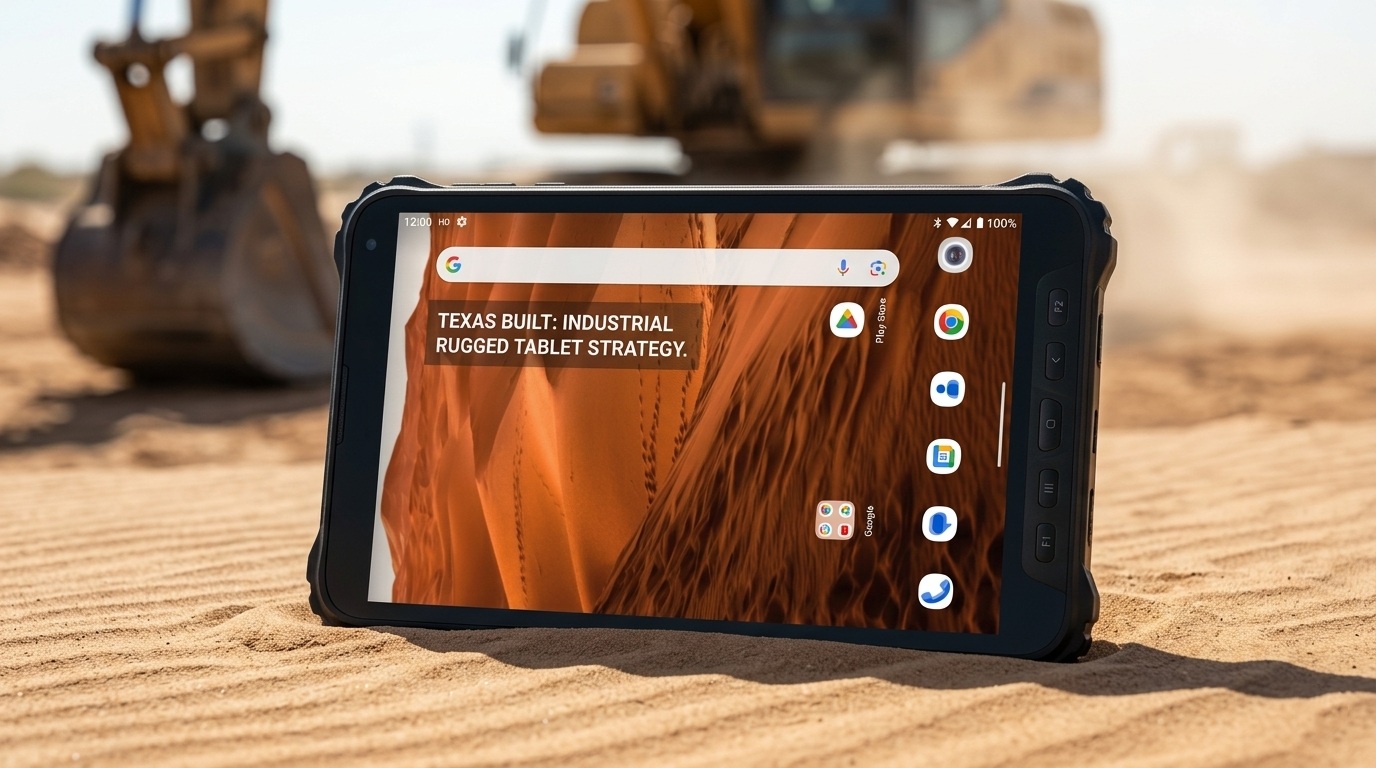
Vendors frequently use "military-grade" as a hollow marketing buzzword. You must demand verifiable testing data based on the MIL-STD-810G or MIL-STD-810H standards. Transit drop testing represents the most critical metric. Devices must survive repeated drops onto concrete from four to six feet, landing on every face, edge, and corner. Continuous machine vibration testing is equally important. It simulates mounting the device on heavy, vibrating machinery for thousands of hours. Thermal shock testing ensures reliability during rapid temperature shifts. A tablet must function perfectly when a worker carries it from a freezing cold storage room directly into a hot, humid loading dock.
IP ratings dictate exactly how well a device resists dust and water penetration. The first number indicates solid ingress protection, while the second number indicates liquid protection. You must match the IP rating directly to your specific environmental hazards.
| IP Rating | Dust Protection | Water Protection | Ideal Industrial Use Case |
|---|---|---|---|
| IP54 | Dust protected (limited ingress) | Splashing water from any direction | Clean indoor warehouses, retail backrooms. |
| IP65 | Dust tight (no ingress) | Low-pressure water jets from any direction | Standard manufacturing floors, dusty yard environments. |
| IP67 | Dust tight (no ingress) | Temporary immersion (up to 1m for 30 mins) | Food processing washdowns, harsh outdoor field service. |
Real ruggedness lives deep inside the chassis, not just on the rubberized corners. Manufacturers protect internal components using dedicated shock-absorbing structures. They secure sensitive motherboards using industrial epoxy. This prevents capacitors and connectors from dislodging during severe impacts. Industrial tablets also utilize fanless cooling systems. Standard cooling fans suck in conductive metallic dust and moisture, eventually causing catastrophic short circuits. Fanless designs dissipate heat safely through the external chassis. Finally, specialized Gorilla Glass layers protect the display matrix from shattering upon direct impact.
Yard management and field logistics frequently occur under direct, glaring sunlight. Standard commercial screens wash out completely in these conditions. Workers squint, struggle to read text, and make frequent data entry errors. You need displays specifically engineered for high ambient light. We look for brightness ratings between 800 and 1000 nits. Deploying a dedicated sunlight readable tablet prevents severe eye strain. These screens utilize optical bonding. Optical bonding removes the air gap between the touch panel and the LCD. This eliminates internal reflections and maximizes outdoor contrast.
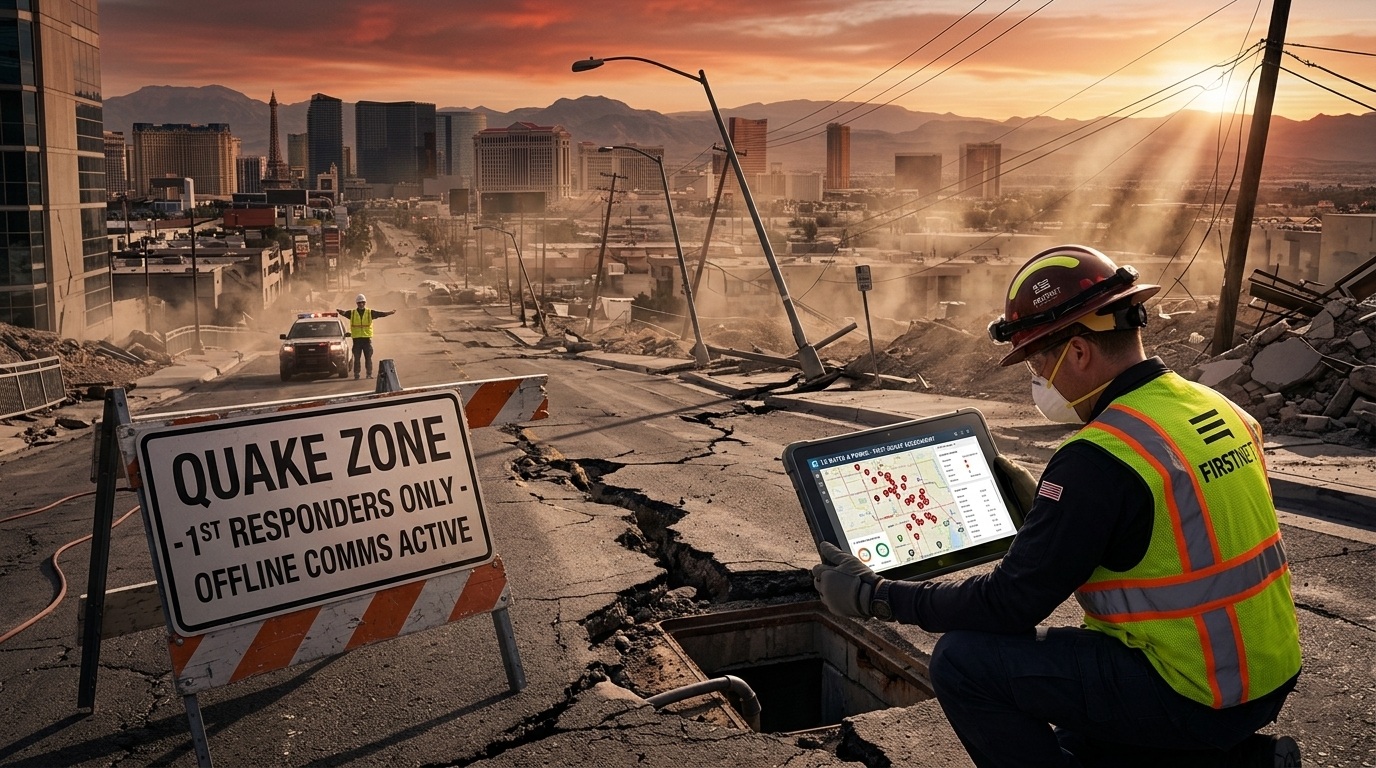
Internal, non-removable batteries severely bottleneck shift productivity. When a device dies, the worker must dock it. They sit idle while waiting for a charge. Industrial environments require hot-swappable battery technology. Devices feature a small internal bridge battery alongside the main removable battery. A worker easily pops out a depleted battery and snaps in a fully charged one. The device never powers down. Applications stay open. Network connections remain active. This architecture guarantees true, uninterrupted 24/7 operation across multiple employee shifts.
Reliable data capture drives inventory accuracy. Consumer tablets force workers to scan barcodes using the rear camera. Camera-based scanning suffers from slow autofocus, requires perfect lighting, and struggles with damaged labels. Purpose-built devices integrate dedicated enterprise-grade scanning engines.
1D/2D Barcode Scanners: Dedicated laser or imager modules read barcodes instantly. They capture data at extreme angles and easily read scratched, dirty, or poorly printed labels.
RFID Readers: Integrated RFID modules allow workers to scan entire pallets of tagged inventory simultaneously without requiring direct line-of-sight.
Ergonomic Triggers: Hardware scan buttons provide tactile feedback. Workers can scan continuously without looking at the screen.
Factory workers wear thick personal protective equipment (PPE). Field service technicians operate in pouring rain. Standard capacitive touchscreens fail entirely under these conditions. Water droplets cause phantom touches. Heavy gloves block the electrical capacitance required to register a tap. Industrial tablets utilize advanced digitizer technologies. They allow administrators to adjust screen sensitivity manually. Workers can seamlessly interact with complex software interfaces while wearing thick leather work gloves or standing in heavy precipitation.
Enterprise IT teams demand deep administrative control over mobile fleets. Utilizing an industrial Android tablet provides significant deployment advantages. Devices certified under Android Enterprise Recommended (AER) receive guaranteed security patches for extended lifecycles. Administrators easily enforce Kiosk Mode. Kiosk Mode completely locks the device interface. It restricts workers to a single approved application or a limited whitelist of tools. It prevents users from browsing the internet, altering system settings, or downloading unauthorized software. This heavily mitigates security risks and minimizes user-induced errors.
Network drops instantly paralyze digital workflows. The connectivity requirements differ wildly depending on the operational zone.
Warehouses span hundreds of thousands of square feet. Forklifts travel rapidly across these vast spaces. Standard Wi-Fi modules struggle to hand off connections between access points. They drop the signal momentarily, crashing live inventory sessions. Industrial devices support Fast BSS Transition (802.11r). This protocol allows the tablet to roam seamlessly between access points without ever dropping the connection.
Technicians operating far from the warehouse require different connectivity stacks. Reliable 4G/5G LTE is an absolute necessity for a remote field service tablet. Workers pull schematics, update job tickets, and upload photo documentation from the road. Furthermore, dedicated hardware GPS modules provide precise routing and asset tracking, vastly outperforming the assisted-GPS found in standard consumer devices.
Modern commercial tablets only feature a single fragile USB-C port. Industrial environments still rely heavily on legacy communication protocols. Specialized devices include native RS-232 serial ports to interface directly with older manufacturing PLCs or diagnostic equipment. They offer native RJ45 Ethernet ports for secure, hardwired network access. Most importantly, they utilize rugged pogo-pin connectors on the bottom edge. Pogo-pins provide highly durable physical contacts for vehicle docks. They eliminate the constant mechanical stress of plugging cables into fragile ports.
An industrial tablet proves virtually useless without a robust mounting ecosystem. You must evaluate the peripheral catalog alongside the device itself. Ensure the vendor supplies heavy-duty vehicle mounts designed specifically for forklifts, service trucks, and heavy machinery. These mounts must feature their own vibration testing certifications. Look for standard VESA or AMPS mounting patterns. Additionally, verify the availability of secure desktop cradles, multi-bay battery chargers, and ergonomic accessories like hand straps or shoulder harnesses.
Never purchase a fleet blindly based on a specification sheet. You must demand trial units and run a rigorous Proof of Concept. Follow a structured testing methodology:
Physical Environment Testing: Give the device to your most demanding shift workers. Ask them to simulate drops, exposure to dust, and harsh handling.
Battery Lifecycle Auditing: Track the battery drain during a continuous heavy-use shift. Verify that hot-swapping functions smoothly under load.
Network Enrollment: Have your IT team test the device enrollment process. Verify that the tablet registers correctly into your existing Mobile Device Management (MDM) platform.
Application Compatibility: Run your heaviest ERP or WMS software. Look for UI scaling issues, scanner latency, or unexpected crashes.
Consumer devices disappear from retail shelves after twelve to eighteen months. Buying consumer hardware guarantees a fragmented, mixed-model fleet within two years. Mixed fleets destroy IT efficiency. You must check vendor guarantees regarding long-term hardware availability. Reputable manufacturers guarantee identical form factors and component availability for three to five years. Furthermore, investigate their Return Merchandise Authorization (RMA) process. Ensure they offer rapid turnaround times for depot repairs. Prolonged repair cycles force you to purchase unnecessary spare devices.
Selecting the right mobile hardware represents a foundational infrastructure decision, not merely a transactional device purchase. Wrapping a consumer device in silicone simply delays an inevitable operational failure. To achieve reliable performance, you must align exact specifications with your physical environment. Assess your required IP rating, identify necessary screen brightness levels, and map out your connectivity demands. Do not compromise on critical features like hot-swappable power or seamless Wi-Fi roaming. We highly encourage procurement teams to request detailed specification comparisons. Consult with an enterprise hardware architect to analyze your workflow bottlenecks. Most importantly, secure a demo unit immediately to begin rigorous field testing within your actual operational environment.
A: Semi-rugged tablets feature reinforced casings and shock-mounted hard drives. They handle occasional minor drops and spills. They fit well in retail or light warehouse roles. Fully rugged tablets are sealed entirely against dust and water (IP65+). They survive repeated severe drops, extreme temperature shifts, and continuous heavy vibration. They are built specifically for harsh industrial floors and outdoor field work.
A: A true industrial tablet operates reliably for a 3-to-5-year enterprise lifecycle. Manufacturers guarantee hardware and component availability for this entire duration. In contrast, standard consumer devices typically fail or become obsolete within 1 to 2 years in harsh environments, creating constant replacement cycles.
A: Yes, Android devices can access legacy Windows software through Virtual Desktop Infrastructure (VDI) or remote desktop applications like Citrix or VMware. However, if your software requires native local execution without an active internet connection, you must choose a Windows-based rugged tablet instead of an Android device.
A: Yes, they are noticeably heavier. The added weight comes from internal magnesium frames, thick external shock bumpers, and massive high-capacity batteries. To counter this ergonomic trade-off, manufacturers provide dedicated hand-straps, shoulder harnesses, and specialized vehicle mounts to prevent worker fatigue.


